
group Book a meeting

Digital Channels

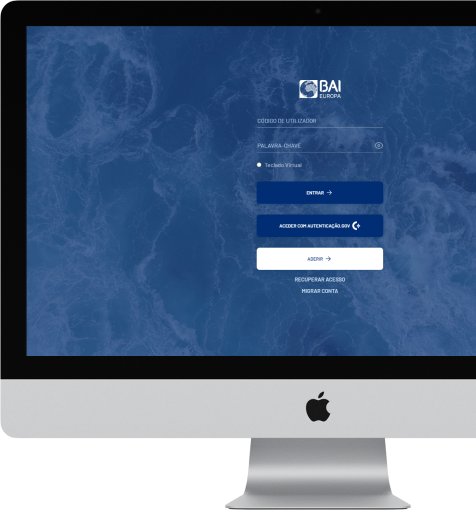
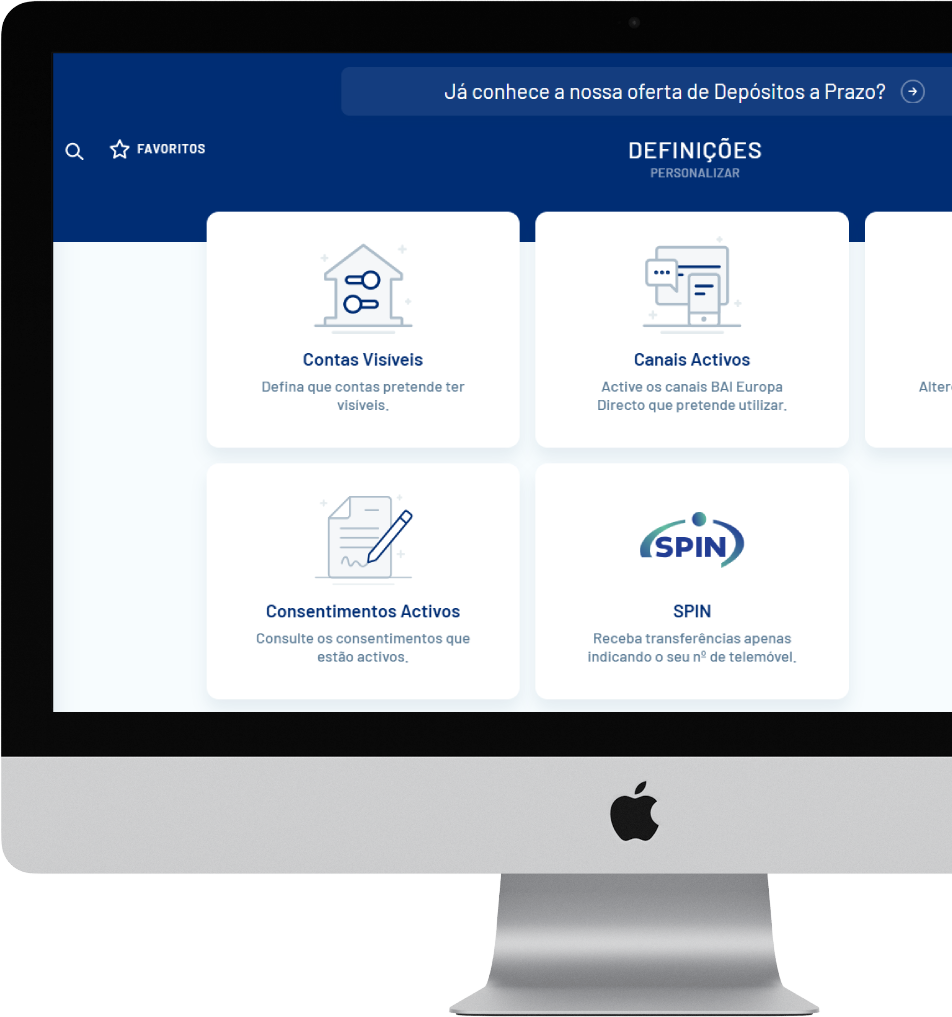
We’ve upgraded BAI Europa Directo for a more seamless experience — accessible anytime from your computer or mobile device.

How to join BAI Europa Directo?

download Download Application Form
  • 1

    Become a BAI Europa client

    To register, you must hold a BAI Europa account. If you’re not yet a client, book a meeting with one of our managers.

  • 2

    Submitting the Application Form

    Complete and sign the form, then send it to: clientes.empresa@baieuropa.pt. If you have any questions, please contact your client manager.

  • 3

    Document validation and processing

    Once received and validated, a copy of the documentation will be sent to your correspondence address.

  • 4

    Sending your access codes

    Your access credentials will be emailed to the address provided on the form within three working days.

Documentation

For more information, see the documents below:
Explore the new BAI Europa Directo

Explore the new BAI Europa Directo

Find out all you can do on our modern, intuitive platform.
Appointments

Appointments

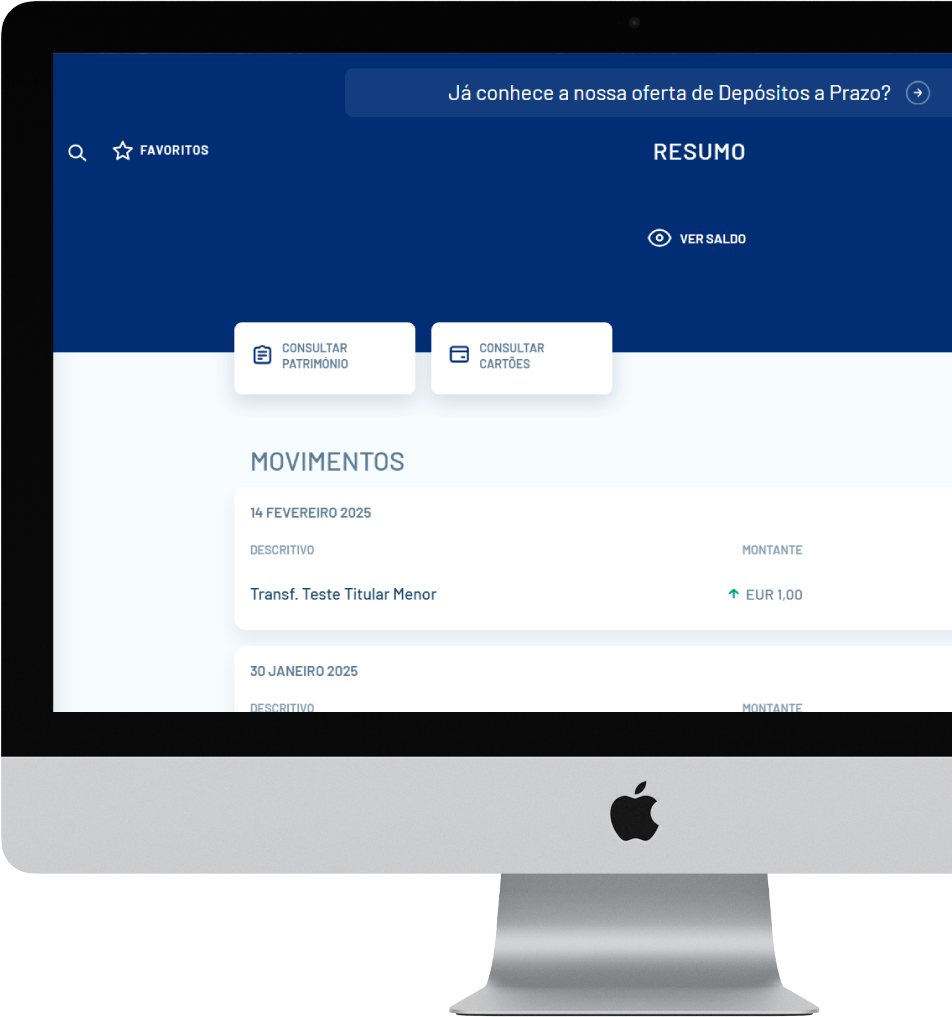
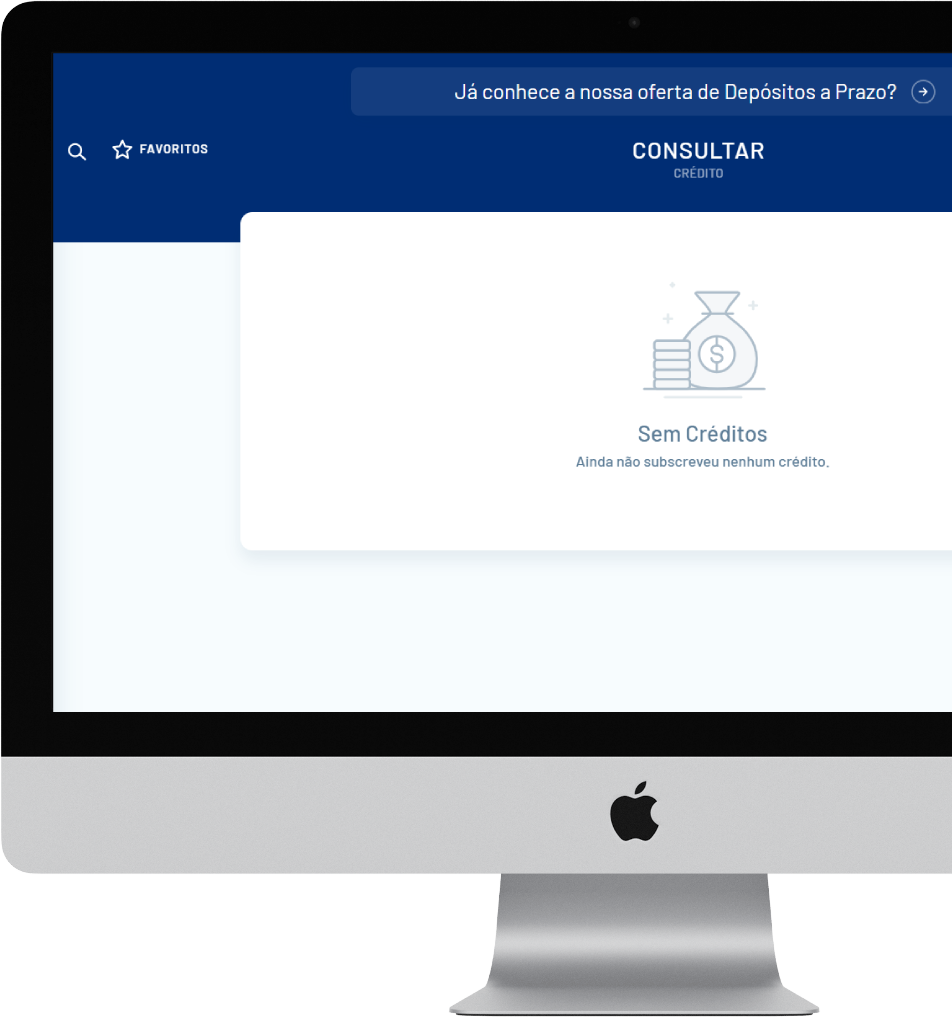
Check Assets, Balances, Transactions, Account Details, Statements, and Transaction History
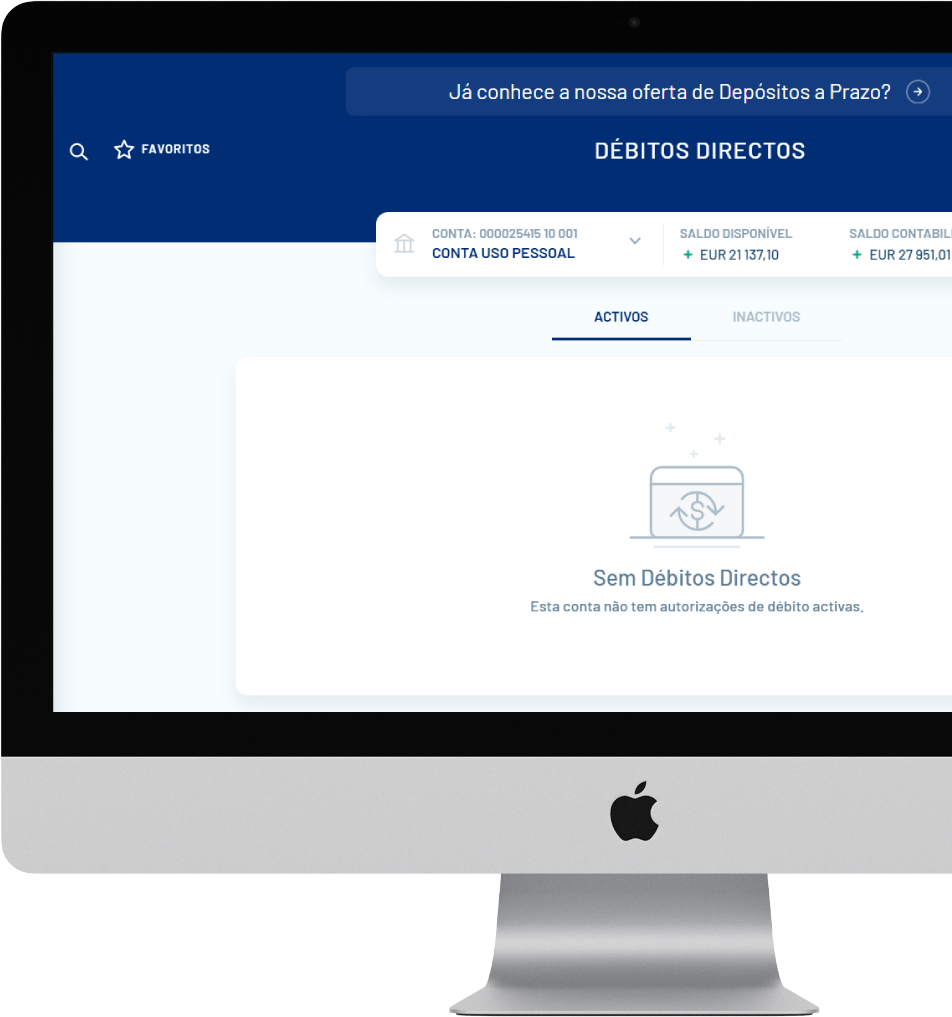
Direct Debits

Direct Debits

Domestic/Eurozone

Consult
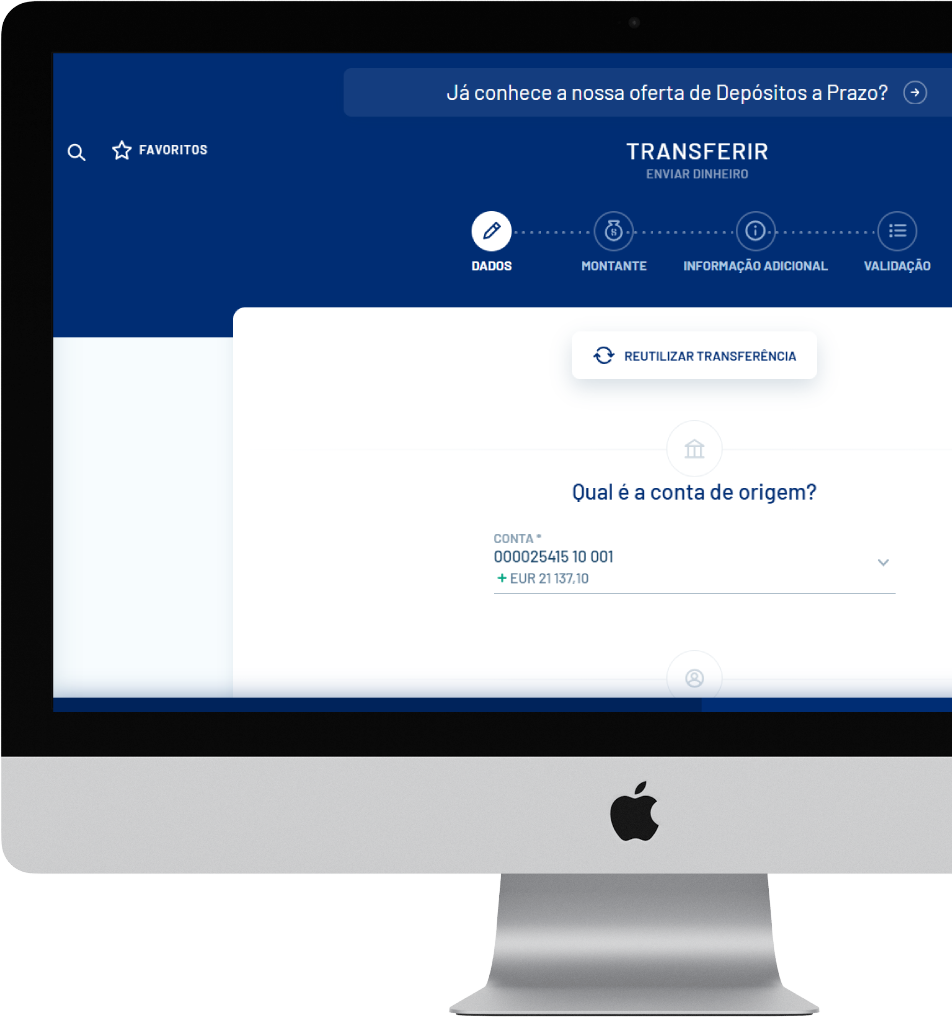
Transfers

Transfers

Within BAI Europa or to other banks
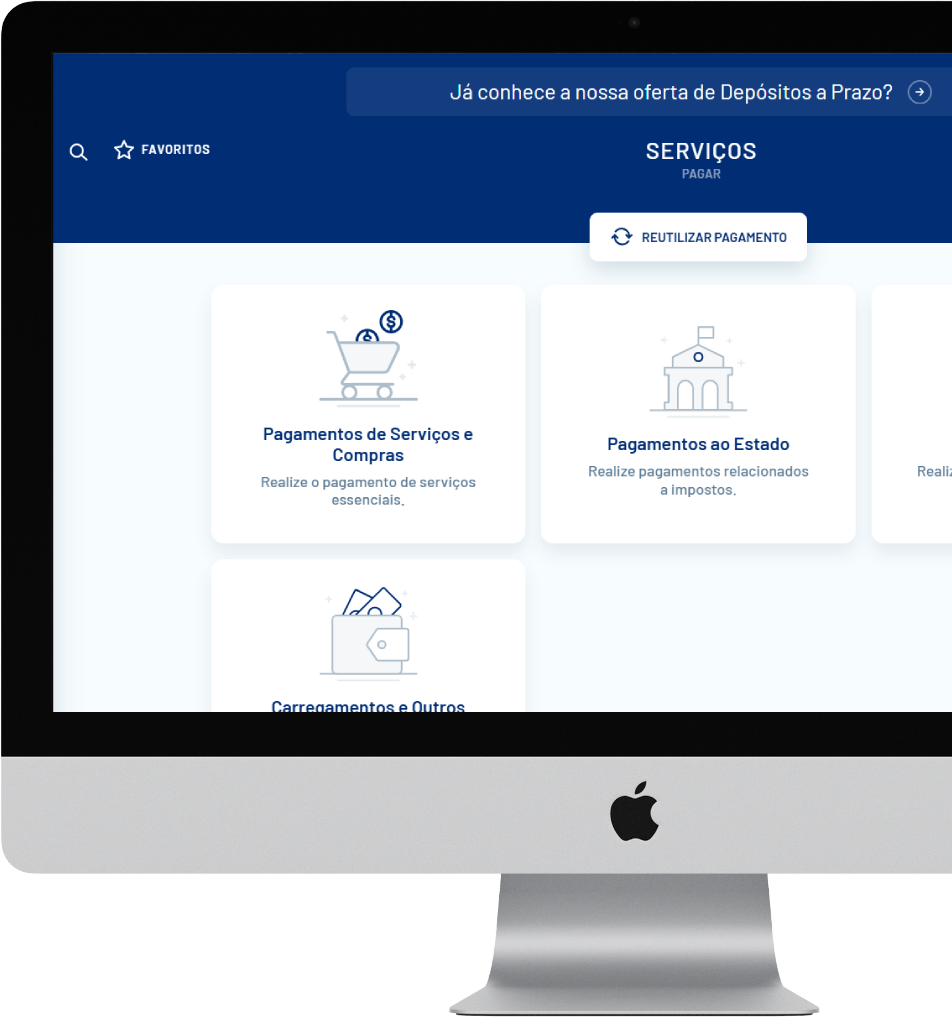
Payments

Payments

Pay for services, purchases, mobile top-ups, and manage your Via Verde
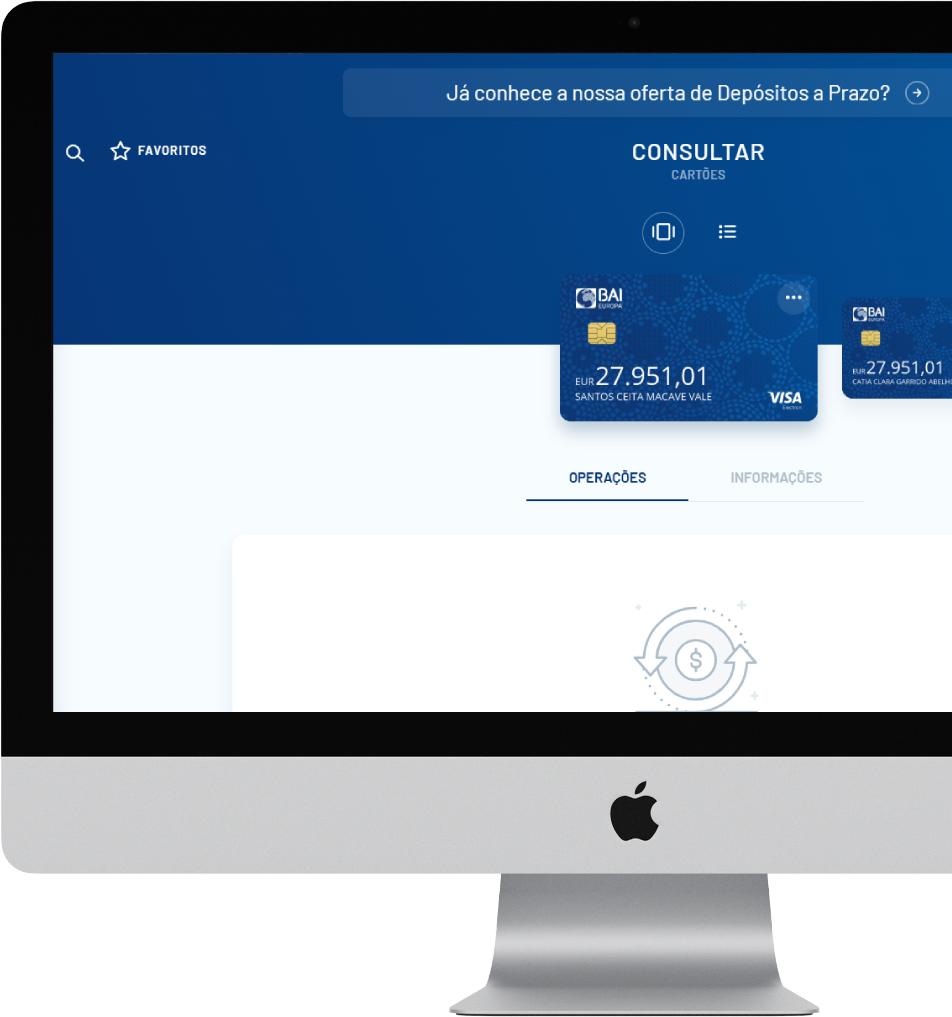
Cards

Cards

Consult, activate, cancel and request
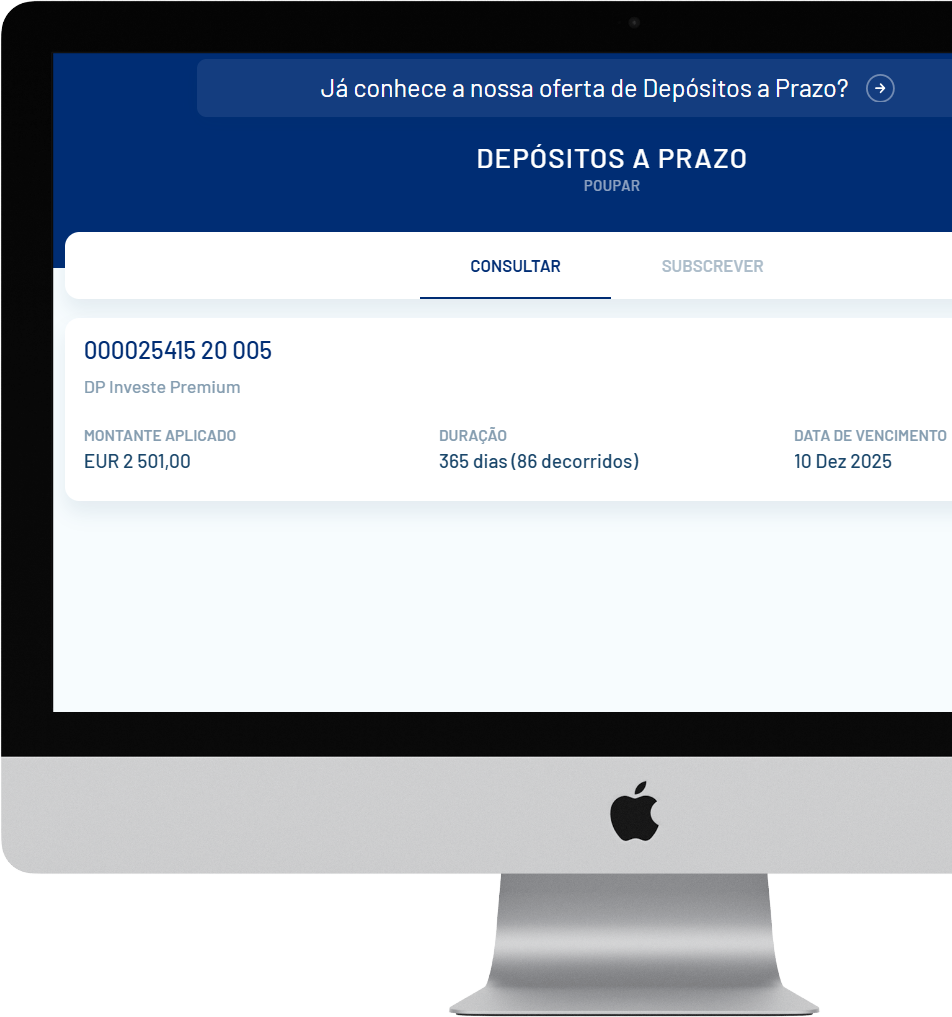
Term Deposits

Term Deposits

Consult and subscribe
Personalise

Personalise

Customise your Profile, Settings, Favourites, and Beneficiaries

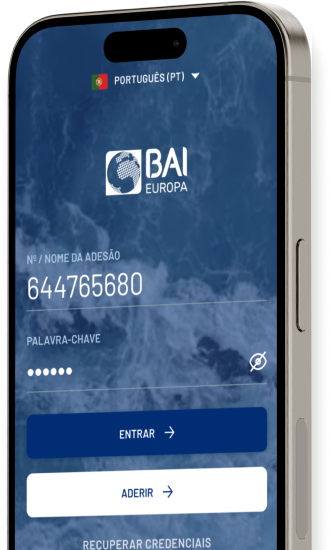
BAI Europa App: Banking in your pocket

Our mobile app gives you secure access to a wide range of banking services anytime, anywhere.

Enjoy the new digital banking experience with BAI Europa

Download the app now on iOS or Android.

 APP
Available for ios and android Point your phone's camera at the QR Code to download the App

Need more information?

If you can’t find what you’re looking for, please contact us or consult our FAQs.

No, BAI Europa Directo does not provide access to BAI Angola accounts. While both banks are part of the same banking group, they operate independently, with separate systems and account structures.

Previously, separate logins were required for individual and business accounts. With the new Internet Banking platform, all your accounts are accessible using a single login. Once logged in, you can easily switch between accounts for viewing or management.

To make the switch, log into the new platform via your computer or mobile phone. Select the ‘Switch Account’ option and follow the instructions. You’ll need your existing user code and password (you may use any of your logins, if you have more than one). For further assistance, call us on (+351) 213 513 750, selecting option 2 “Digital Channels,” available Monday to Friday, from 8.30am to 5.30pm.

Please contact us on (+351) 213 513 750, selecting option 2 "Digital Channels,” available Monday to Friday, from 8.30am to 5.30pm. Our team will assist you, and a new password will be sent via SMS to the mobile number linked to your account. You’ll then be able to log in again.